
Create a Compliant GPS Tracking Policy for Your Field Team




This GPS Policy Builder helps you generate a written GPS tracking policy based on your company’s data and compliance needs.
Why you need a clear GPS tracking policy
If you're using GPS tracking for field teams, delivery drivers, or mobile employees, you need a written policy that explains:
- Why you're tracking location
- What data you're collecting
- Who has access to employee data
- How long you'll keep records
In some states (like California, New York, and Illinois), informing your employees about GPS tracking via written policy isn't just good practice—it's legally required. Even when it's not legally mandated, a clear policy protects both you and your employees by setting expectations upfront.
What to include in your GPS tracking policy
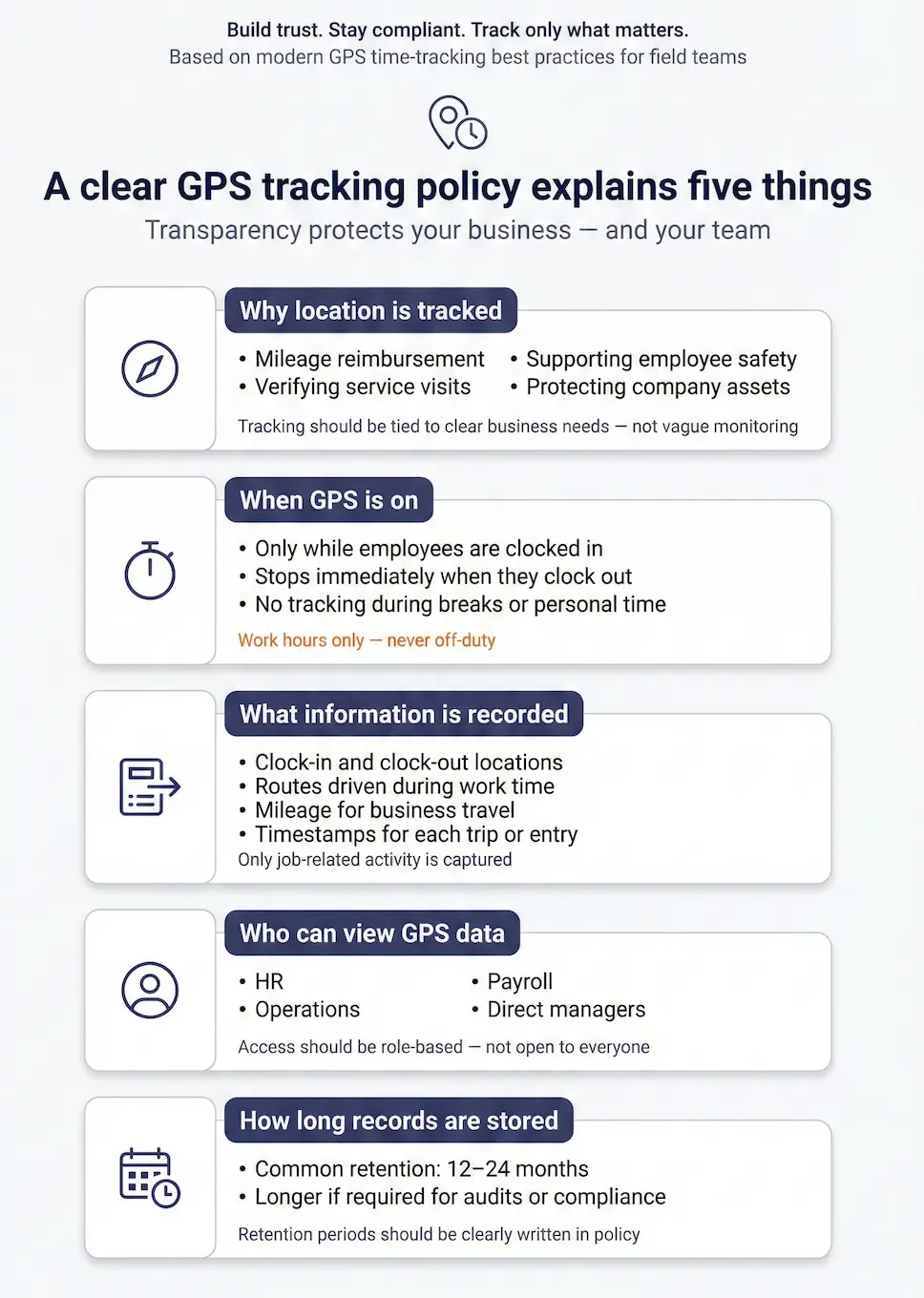
Be specific about why you’re using GPS tracking Don't just say "we use GPS tracking to improve operations." Explain the actual reasons why GPS technology is used: tracking mileage for reimbursement, verifying service visits, supporting employee safety, or protecting company assets.
Clarify when GPS tracking is active Make it clear that GPS tracking happens during work hours only. Also note that employees are not being monitored on breaks, during lunch, or on personal time. The moment employees clock out, tracking stops.
List the data you actually collect If you're only tracking clock-in/clock-out locations, say that. If you're also tracking routes, mileage, or speed, list those too. Transparency builds trust.
Name who has access to data Tell employees which roles can view GPS data—usually HR, operations, payroll, or direct managers. Avoid vague language like "authorized personnel."
State your retention period How long will you keep the data? Common retention periods are 12-24 months, but some companies keep it longer for audit or compliance purposes. Whatever your policy is, write it down.
How Timeero handles GPS tracking
Tracking only during work hours Timeero only tracks location when employees are clocked in. The moment they clock out, tracking stops. There's no monitoring during breaks, off-hours, or personal time.
Employees have access to their own data Workers can view personal location history, timestamps, and routes. Transparency goes both ways.
Purpose-built for compliance GPS data in Timeero isn't just for monitoring—it's used for break compliance (California meal and rest break requirements), mileage reimbursement (IRS-compliant business mileage tracking), and service verification.
Secure access controls You control who can view GPS data by role. Set permissions so only relevant team members (managers, HR, payroll) can access location records.
Audit-ready records GPS timestamps and coordinates are stored with time entries, making it easy to generate reports for payroll, compliance audits, or legal defense.
Note: This tool generates a GPS tracking policy template based on your inputs. You should have legal counsel review it before implementing GPS tracking, especially if you operate in states with specific notification requirements like California, New York, or Illinois.
Ready to implement GPS tracking the right way?
Timeero makes it easy to track time, location, and mileage while staying transparent with your team. The platform includes break compliance for California, IRS-compliant mileage tracking, and GPS-stamped records that hold up in audits.


.png)
.png)



.png)


